AI Tools for Creating Flashcards: Study Smarter, Not Longer
Flashcards have been around for a long time, and there is a good reason for that. They force you to recall an answer instead of just re-reading it, and that small moment of effort is what helps the idea stick. The trouble is that making a good set of cards takes time, and most students run out of patience long before they run out of notes.
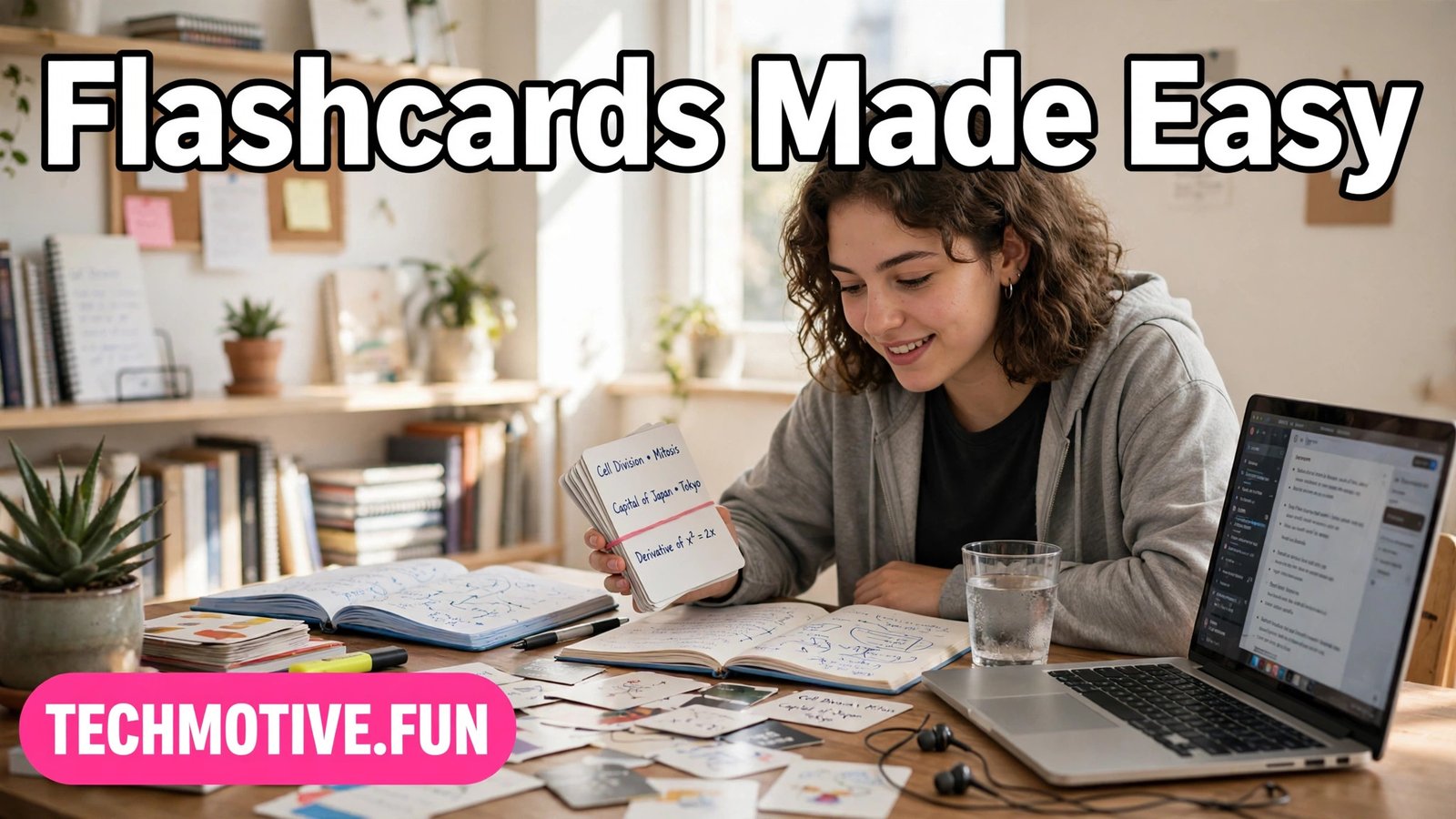
That is where ai tools for creating flashcards come in. They can take a page of notes, a chapter summary, or a list of key terms and turn it into a set of question-and-answer cards in minutes. The result is not magic, and it is not a replacement for studying. It is a starting point — a rough deck that you can edit, improve, and then actually use.
Used well, these tools save you the boring part of flashcard making so you can spend your time on the part that matters: testing yourself, fixing gaps, and coming back to the cards again before an exam. Used badly, they produce a pile of vague cards that feel productive but teach very little. The difference is almost entirely in how you prompt, check, and review them.
How AI Flashcard Tools Work
At their simplest, AI flashcard tools read the text you give them and suggest questions based on it. You might paste in your class notes, upload a document, or type a topic, and the tool returns a set of cards with a question on one side and an answer on the other. Some tools let you choose how many cards you want, or whether the questions should be definitions, fill-in-the-blank prompts, or short explanations.
Turning Notes Into Good Cards
The single biggest mistake people make is feeding an AI tool an entire textbook chapter and expecting a perfect deck back. Long, unfocused input produces long, unfocused cards. A better approach is to work in small chunks. Take one topic, one lecture, or one section of notes at a time, and generate cards just for that chunk. You will get tighter questions, and you will spot errors much more easily.
Before you generate anything, clean up your notes a little. Remove repeated lines, fix obvious typos, and make sure headings are clear. You do not need to rewrite everything, but a few minutes of tidying pays off. If your notes contain a list of terms, keep the list together. If they contain a process, keep the steps in order. The tool will follow the structure you give it, so a tidy input usually means a tidy deck.
When the cards come back, read every one before you start studying from them. Delete duplicates, merge cards that ask the same thing twice, and split any card that tries to cover two ideas at once. A card should test one thing. If you find yourself needing to remember three separate facts to answer a single card, it is really three cards wearing one card’s clothes. Splitting them takes a minute and makes your review sessions far more honest.
Designing Questions That Actually Test You
A flashcard is only as good as its question. “What is photosynthesis?” will get you a definition, but it will not tell you whether you understand the process. Questions that ask you to explain, compare, or apply an idea tend to be more useful. “Why does photosynthesis need sunlight?” or “What would happen if a plant had no chlorophyll?” force you to think, not just repeat.
Try to vary the question types in your deck. Mix straightforward definitions with “why” and “how” questions, and add a few that ask you to give an example. If you are studying a language, include cards that ask you to produce the word from memory, not just recognize it. If you are studying science, include cards that ask you to predict an outcome or identify a step in a process. Variety keeps review sessions from turning into a memorized script.
Building Spaced Review Habits
Making cards is only half the job. The other half is coming back to them at the right times. Spaced review means revisiting cards over increasing intervals — today, then in a few days, then again later — rather than cramming them all the night before a test. Each successful recall makes the memory a little stronger and a little longer-lasting.
You do not need a complicated schedule to benefit from this. A simple routine works well for most people: review new cards the day you make them, review them again after a couple of days, and then fold them into a regular weekly review. Cards you keep getting wrong deserve more frequent attention, while cards you always get right can wait longer between reviews. Many flashcard apps handle this scheduling for you, moving cards forward or backward based on how you rate your own recall.
Consistency matters more than session length. Ten focused minutes a day will beat a single exhausting two-hour session almost every time. Short sessions also make it easier to be honest with yourself. When you are tired, it is tempting to flip a card over quickly and tell yourself you “basically knew it.” A short, alert session makes that kind of self-deception harder, and your scores more trustworthy.
Checking AI Output for Errors
This is the part that matters most, and it is the part people are most tempted to skip. AI tools can and do make mistakes. They may mix up terms, invent a plausible-sounding detail, oversimplify a complex idea, or confidently state something that is simply wrong. A flashcard deck full of errors is worse than no deck at all, because it teaches you the wrong thing with confidence.
Treat every AI-generated card as a draft that needs your approval. Check the answer against your notes or textbook before you trust it. Pay special attention to numbers, dates, names, and technical terms, since these are the details where a small error changes the meaning completely. If a card’s answer does not match your source material, fix it or delete it. Never study from a card you are unsure about — look it up first.
It also helps to be suspicious of cards that sound too smooth. A well-written answer is not necessarily a correct one. AI tools are good at producing text that reads convincingly, which makes errors harder to spot. If an answer surprises you, or if it contradicts something you remember from class, that is a signal to verify it, not to accept it. Your notes and your textbook are the authority. The AI tool is just a helper.
This same habit of checking applies to other study tools as well. If you use AI to organize your revision, you may find it useful to read about AI tools for making study notes so your notes and your cards stay consistent with each other.
Privacy: Do Not Paste Sensitive Study Material
One caution deserves its own section, because it is easy to overlook. When you paste text into an online AI tool, that text leaves your device. For ordinary class notes, that is usually fine. But you should never paste private or sensitive material into these tools — things like personal information, unpublished research, confidential work documents, or anything containing other people’s private details.
This matters more than it might seem. Students sometimes paste in essays, assignments, or group project documents without thinking about who else’s information might be in them. Classmates’ names, contact details, or personal examples from a case study do not belong in an AI tool’s input box. The same goes for anything covered by a confidentiality agreement, such as placement or internship material.
A good rule is simple: if you would not be comfortable with the text appearing somewhere public, do not paste it into an online tool. Keep your inputs to ordinary study material — textbook summaries, lecture notes, and practice questions. If you need flashcards from sensitive material, make those cards by hand. It takes longer, but it keeps private information private, and the act of writing them yourself is good revision anyway.
Choosing the Right Tool for You
With so many options available, choosing a tool can feel harder than making the cards. The truth is that most well-known flashcard apps will do the basic job well. Anki and Quizlet are two widely used examples of flashcard apps, and either style of app — one built around spaced review scheduling, or one built around simple, shareable card sets — can work, depending on how you like to study.
Start by thinking about how you actually study rather than chasing the longest feature list. Do you study mostly on your phone, or at a desk? Do you want the app to schedule your reviews automatically, or do you prefer to control the timing yourself? Do you study alone, or do you share decks with classmates? Answering these questions narrows the field quickly, and it keeps you from picking a tool for features you will never use.
Try one tool properly before collecting five. Make a small deck of twenty or thirty cards, review it for a week, and see how the experience feels. Is it easy to add and edit cards? Does reviewing feel smooth or fiddly? Can you find your decks again without hunting through menus? A tool you enjoy opening is a tool you will actually use, and that matters far more than any single feature.
Common Mistakes to Avoid
Even with a good tool, a few common mistakes can quietly undermine your flashcard practice. The first is making too many cards. A deck of five hundred cards for one topic sounds thorough, but it is usually a sign that the cards are too detailed or too repetitive. A smaller deck of sharp, well-chosen cards is easier to review and easier to keep up with. Quality beats quantity, every time.
The second mistake is confusing recognition with recall. Flipping through cards and thinking “yes, I know that one” is not the same as covering the answer and producing it from memory. Always try to say or write the answer before you flip the card. If you cannot produce it, mark the card as not known, even if it felt familiar. Familiarity is a weak form of memory, and exams test recall, not familiarity.
The fourth mistake is using flashcards for everything. Some topics suit flashcards beautifully — vocabulary, definitions, formulas, key dates, and step-by-step processes. Others do not. Essay planning, deep analysis, and creative work need different kinds of practice, such as writing outlines, solving problems, or discussing ideas. Flashcards are one tool in a study kit, not the whole kit. For other parts of student life, such as polishing written work, it is worth knowing about AI tools for fixing grammar for students as a separate kind of help.
Frequently Asked Questions
Are AI-generated flashcards reliable?
They can be a helpful starting point, but they should never be trusted without checking. AI tools sometimes produce errors, mix up details, or oversimplify ideas. Always compare each card’s answer with your notes or textbook, fix anything that does not match, and delete cards you cannot verify. A checked deck is useful. An unchecked deck is a risk.
How many flashcards should I make for one topic?
There is no magic number, but smaller is usually better. A focused deck of thirty to fifty cards for a single topic is often more useful than hundreds of overlapping ones. If your deck keeps growing, check whether cards are repeating the same idea or testing tiny details that will not matter. Aim for cards that cover the key ideas, not every sentence of your notes.
Can AI tools replace making flashcards by hand?
Not completely. Generating cards with AI saves time, but writing cards by hand is itself a form of studying — it forces you to decide what matters and phrase it clearly. A good balance is to generate a draft deck with AI, then edit it by hand. The editing step gives you much of the learning benefit of writing cards yourself, without starting from a blank page.
Yes, because understanding and remembering are different things. You can understand an idea in class and still forget it a week later. Spaced review is what turns short-term understanding into durable memory. If a topic feels easy, you can space your reviews further apart, but dropping review entirely usually means relearning the material later.
Can I use flashcards for subjects like video or media studies?
Yes, flashcards work for any subject with facts, terms, or processes worth recalling. For media-heavy subjects, you can even make cards about concepts you have learned from videos or presentations. If you work with video content in your studies, you might also be interested in AI tools for creating captions from video, which can make video material easier to search and review.
Conclusion
AI tools for creating flashcards are at their best when you treat them as a shortcut to a first draft, not as a finished product. They save you the slow work of typing out dozens of cards, and they give you a structure to react to. But the real value comes from what you do next: trimming the weak cards, fixing the errors, writing sharper questions, and then reviewing the deck little and often.
Start small. Pick one topic, generate a modest deck, check every card, and review it for a week. Notice which cards help and which ones waste your time, and adjust. Over time, you will build a set of decks that genuinely reflect what you know and what you still need to learn — and a study habit that holds up when exams get close. Study smarter, in other words, not just longer.