
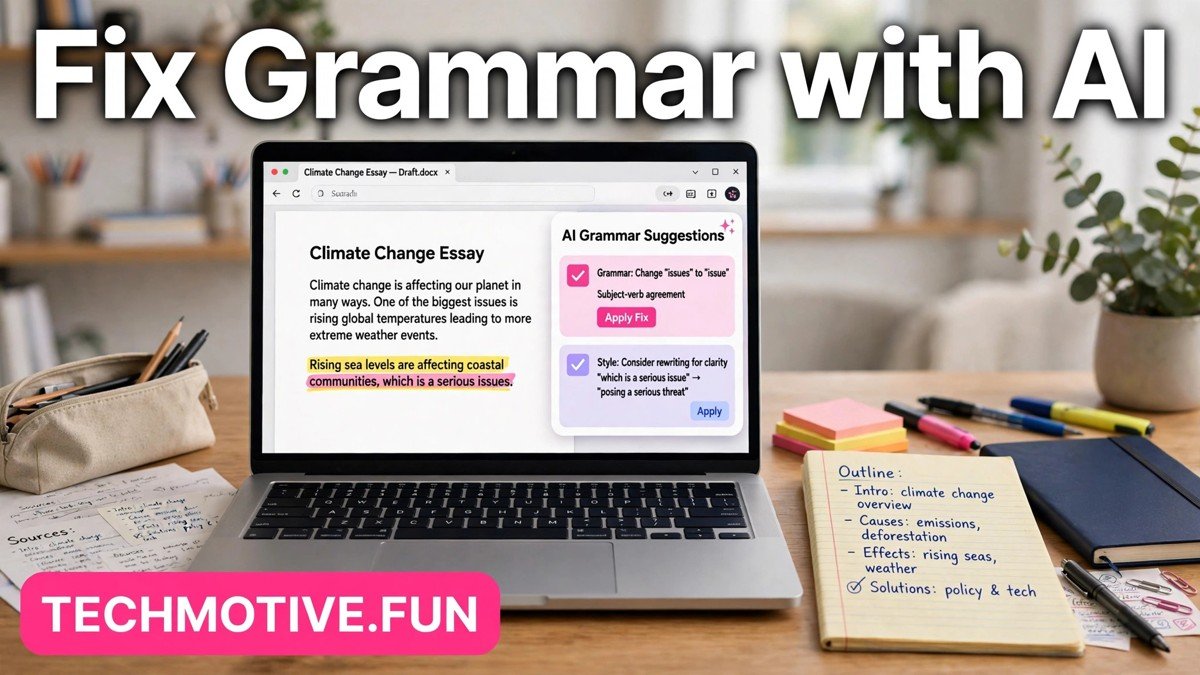
Best AI Tools for Fixing Grammar for Students: Free and Paid Picks
A misplaced comma rarely ruins an essay, but a pattern of small errors can distract a reader from a good argument. When a teacher or lecturer has to pause over a confusing sentence, the point behind it gets weaker, even if the research is solid. That is why so many students now run a final check before submitting their work.
The good news is that you do not need to be a grammar expert to clean up a draft. A decent checker can spot spelling slips, tangled sentences, and punctuation mistakes that tired eyes miss. The trick is picking a tool that fits how you write, how much help you actually need, and what your school allows.
This article looks at the main kinds of grammar tools available to students, what each one is good at, and how to use them without letting them take over your writing. No single tool suits every student, so the aim here is to help you choose with confidence rather than to crown one winner.
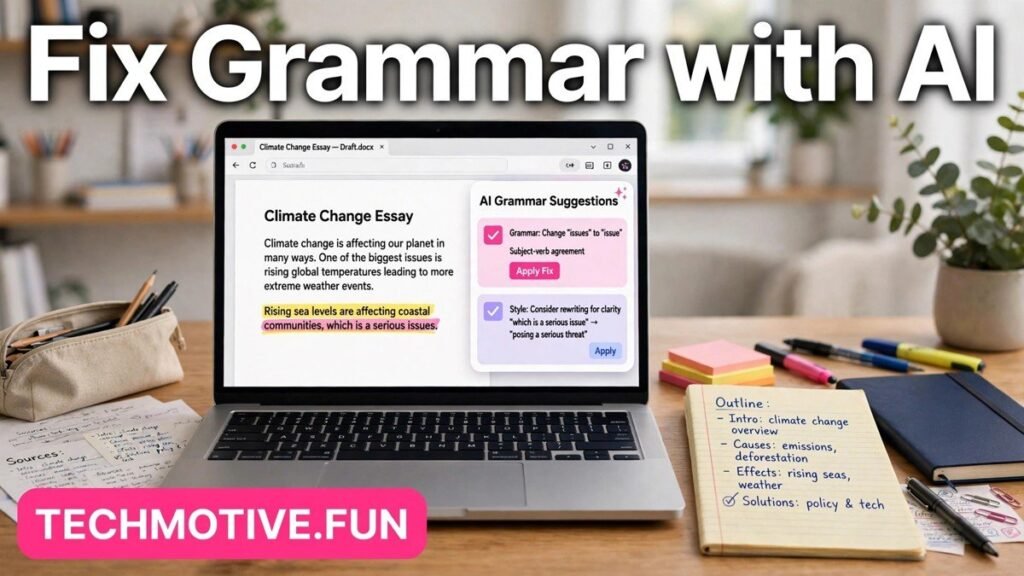
How to Pick a Grammar Tool That Fits Your Writing
Start with how you write most of your work. If you draft essays in a browser, a browser extension that works wherever you type might be the most practical choice. If you write in a word processor, a built-in checker could be enough on its own. Students who switch between devices often prefer a web editor they can open anywhere.
Next, think about what kind of help you want. Some tools focus mainly on spelling and basic grammar. Others also comment on clarity, sentence length, and tone. A student writing a short reflection does not need the same level of feedback as a student polishing a long research paper, and heavier feedback is not always better. Too many suggestions can be just as confusing as too few, especially when you are still learning the rules behind them.
It also helps to separate three jobs that are often confused. Grammar checking is about language: spelling, punctuation, verb agreement, and sentence structure. Style feedback is about how the writing reads: whether sentences are clear, repetitive, or wordy. Plagiarism checking is something else entirely. Warning: a grammar checker is NOT a plagiarism checker. A tool that corrects your commas will not tell you whether a passage matches another source, and it will not check whether you have cited your sources properly. If your school requires an originality check, you need a separate tool or process for that job, and you should never assume a grammar tool has done it for you.
Cost is the other practical question. Many well-known tools offer a free version alongside a paid version. The free version may be plenty for everyday essays, while the paid version may add deeper suggestions. Before paying for anything, check the vendor’s current pricing page, because plans and prices change, and a feature that was free last term may sit behind a paywall now. Student discounts also come and go, so it is worth checking the official site rather than trusting an old blog post.
Comparing the Main Types of Grammar Tools
Grammar tools tend to fall into three broad groups. Each has clear strengths and clear limits, and many students end up using more than one depending on the task.
| Tool type | Strengths | Limits |
|---|---|---|
| Browser extension | Works across email, web documents, and many online forms; catches errors wherever you type | Suggestions can vary by website; may not work on every page |
| Web editor | A focused writing space with fuller feedback; easy to paste in a draft | Means copying text in and out of your usual document; formatting can shift |
| Built into a word processor | Already where you write; no extra account or install needed for basic checks | Feedback is often more basic than a dedicated checker; depth varies by program |
A browser extension is convenient because it follows you around the web. You write an email to a tutor, post in a class forum, or draft in an online document, and the same checker is there. The trade-off is that some websites restrict how extensions interact with their text boxes, so the experience is not identical everywhere.
Built-in checkers have the simplest setup of all, because they are already part of the program you use. For many students, especially those writing straightforward assignments, that built-in help is enough. The main limit is depth. A dedicated grammar tool may explain a suggestion or offer alternatives that a basic built-in checker does not.
General-Purpose Grammar Checkers
General-purpose grammar checkers are the tools most students think of first. You usually write or paste your text into them, and they highlight possible spelling mistakes, grammar problems, and punctuation errors. Many also flag repeated words, unclear phrasing, and sentences that run too long.
Grammarly is one of the best-known examples in this group. In general, it offers spelling and grammar suggestions as you type or after you paste in a document, along with comments on clarity and tone in its fuller versions. It is available as a web editor and as a browser extension, which makes it easy to use across different writing tasks.
LanguageTool is another widely used option. It generally checks spelling, grammar, and punctuation in many languages, which can be useful for students studying a second language or writing in more than one language. It also offers a browser extension and a web editor, so you can choose the setup that fits your routine.
The strength of a general-purpose checker is breadth. It handles the everyday mistakes that show up in almost any essay: subject-verb agreement, wrong word choices, missing commas, and awkward phrasing. For a student who writes in several places, that breadth is genuinely useful.
Tools Built Into Google Docs and Microsoft Word
Before adding any new tool, it is worth checking what your word processor already does. Many students overlook built-in checkers simply because they have never turned on their full settings.
Google Docs includes a built-in spelling and grammar check. As you type, it underlines possible spelling errors, and you can run a fuller check from the Tools menu. It also offers suggestions for some grammar issues, such as repeated words or unclear phrasing. Because it works inside the document, there is nothing extra to install, and your draft stays in one place. Students who write group projects in Google Docs often find this enough for routine assignments, especially when combined with a careful read-through at the end.
Microsoft Word has a longer history of built-in checking. Its Editor feature reviews spelling, grammar, and, in fuller versions, clarity and conciseness. You can adjust the proofing settings to focus on the kinds of errors you tend to make, which is useful if you know, for example, that you often mix up certain words. Microsoft Word also lets you check a whole document in one pass, which suits students who prefer to draft freely first and correct afterwards.
Built-in tools have two real advantages. First, they keep your workflow simple. You do not need another account, another tab, or another copy of your essay. Second, they are already familiar to most students and teachers, so a suggestion from Microsoft Word or Google Docs is easy to discuss with a tutor.
Free Browser-Based Options
Not every student wants to install software or create an account, and not every assignment needs a heavyweight tool. Free browser-based options fill that gap. These are usually web pages where you paste your text, run a check, and copy the corrected version back into your document.
The limits matter too. Free browser tools often give briefer feedback, with fewer explanations and less help on style. Some may show advertising, and some may limit how much text you can check at once, although those details change over time. Because you are pasting your writing into a website, it is also wise to avoid pasting sensitive or unpublished research into a tool you have not checked. For a routine class essay, that risk is small, but it is still good practice to know where your text is going.
LanguageTool and Grammarly both offer free browser-based access alongside their extensions, which makes them a useful starting point. You can try the free version in a browser, see whether its suggestions make sense to you, and only then decide whether an extension or a paid version would help. That low-risk trial is one of the best ways to choose, because a tool that feels confusing in the free version is unlikely to feel clearer after you pay for it.
Using AI Honestly for Schoolwork
This is the section students most often skip, and it is the one that matters most. Grammar tools are widely accepted in schools and universities, but there is a line between fixing your own writing and letting a tool do your thinking for you.
Fixing your own writing means you wrote the draft, you understand the ideas in it, and you use the tool to catch errors and improve clarity. You read each suggestion, you decide whether to accept it, and the finished essay still sounds like you. That kind of help is similar to asking a tutor to point out a mistake, and most schools treat it as legitimate support.
Letting a tool rewrite your work is different. If you paste in rough notes and accept a full rewrite without understanding or checking every change, the result may no longer reflect your own thinking. Worse, it may introduce ideas, claims, or wording you cannot defend if a teacher asks about them. That is where honest use ends and academic problems begin.
The safest rule is simple: write first, check second. Draft the essay yourself, form your own argument, and then use the checker to polish language. If a suggestion changes your meaning, reject it or rewrite the sentence in your own words. If you are unsure whether a particular use is allowed, check your school’s rules before submitting, not after. Rules vary between schools, subjects, and even individual assignments, and a tool that is fine for a reflective journal might not be fine for an exam-style essay.
Common Mistakes Students Make With These Tools
The most common mistake is accepting every suggestion without reading it. Grammar tools are helpful, but they make mistakes, especially with names, technical terms, quotations, and unusual sentence structures. A tool may flag a correctly quoted passage or a subject-specific term it does not recognise. Accepting that change can introduce a new error into an otherwise correct sentence.
A Simple Workflow That Actually Works
A short, repeatable routine beats a long list of tips you never follow. This workflow takes only a few extra minutes and fits most assignments.
First, draft without worrying about perfect grammar. Get your ideas down, build your argument, and leave the polishing for later. Trying to write perfectly on the first pass usually slows you down and weakens your thinking.
Second, run your chosen checker over the full draft. Work through the suggestions one by one, accepting the ones that improve your meaning and rejecting the ones that do not. Pay special attention to repeated suggestions, because they often point to a habit worth learning, such as a comma rule you keep getting wrong.
Third, read the essay aloud, or at least read it slowly from start to finish. Listen for sentences that sound tangled, places where the argument jumps, and words that do not fit. This step catches the meaning errors that a checker cannot.
Fourth, run a final quick check after any changes you made during the read-aloud. Small edits can introduce new typos, so a last pass closes the loop. Then check your citations, your title, and your file name before submitting. That final minute of care is often what separates a polished essay from a rushed one.
Frequently Asked Questions
Are ai tools for fixing grammar for students allowed in school?
In many schools, using a grammar checker to correct your own writing is allowed, but rules vary. Some schools permit grammar and spelling checks while restricting tools that rewrite or generate text. Always check your school’s academic honesty policy and your teacher’s instructions for that assignment before you submit.
Do I need a paid grammar tool to write good essays?
No. For most students, a free version or a built-in checker in Google Docs or Microsoft Word catches the most important errors. Paid versions add deeper style feedback, but clear thinking, good evidence, and careful proofreading matter more than any paid feature. Try the free option first and only pay if you find a specific gap it does not fill.
Can a grammar checker also check for plagiarism?
No. Grammar checkers and plagiarism checkers do different jobs. A grammar tool corrects language, while an originality check compares your text with other sources. Never assume a grammar check has cleared your work for originality, and use your school’s recommended process for citations and originality where one is required.
Will a grammar tool change the meaning of my essay?
It can, if you accept suggestions without reading them. A tool does not know your argument, so it may suggest a grammatically tidy sentence that says something slightly different from what you meant. Read every suggestion, reject any change that alters your meaning, and rewrite unclear sentences in your own words.
Which tool is best for a student on a tight budget?
Start with what you already have. The built-in checker in your word processor costs nothing extra, and free browser-based versions of well-known tools let you test fuller feedback without paying. Compare them on a real essay, not on a marketing page, and check the vendor’s current pricing page before spending anything.
Should I use more than one grammar tool?
You can, but it is rarely necessary. Using two tools often means working through the same suggestions twice, and conflicting advice can be confusing. A better approach is to pick one main checker, learn its suggestions, and add a second tool only if it consistently catches a specific kind of error your main tool misses.
Related Guides
- AI Tools for Creating Captions from Video
- AI Tools for Converting Text to Speech
- AI Tools for Summarizing YouTube Videos





One Comment