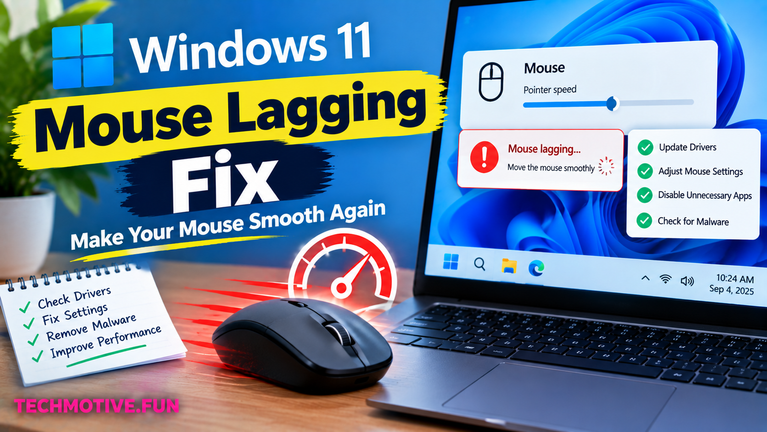
Windows 11 Mouse Lagging? Check Battery, USB, and Pointer Settings
If your mouse is lagging in Windows 11, first reconnect it and check the battery if it’s wireless. Then try another USB port, turn off unnecessary Bluetooth devices, update the mouse and graphics drivers, disable pointer enhancements, and restart your PC. If the problem continues, check Windows updates and background apps. Related Fixes: Windows 11…