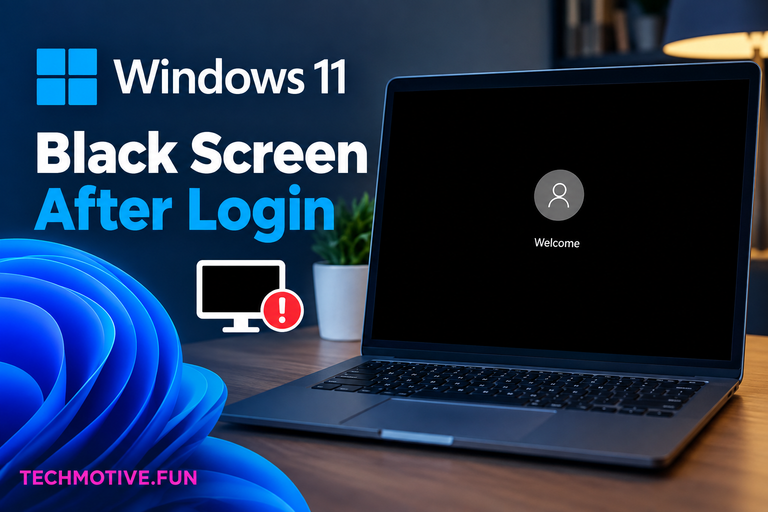
Windows 11 Black Screen After Login? Reset the Graphics Driver and Restart Explorer
Short answer: If Windows 11 shows a black screen immediately after you log in, try pressing Windows + Ctrl + Shift + B to reset the graphics driver. If that doesn’t work, restart Windows Explorer from Task Manager, check your display connection, disable problematic startup apps, update the graphics driver, or use Safe Mode to…