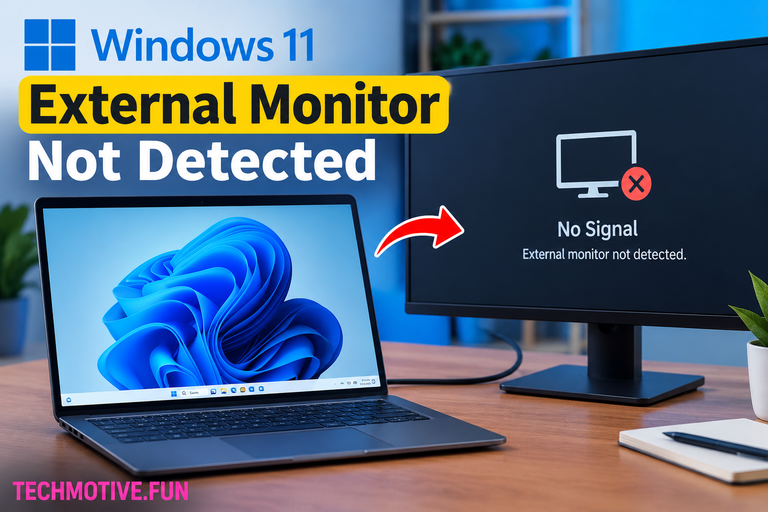
Windows 11 Second Monitor Not Working? Check Input, Extend the Display, and Update Drivers
If your second monitor is not working in Windows 11, check the cable and monitor input first. Then press Windows + P and select Extend. You can also use Settings → System → Display → Detect to find the monitor. Updating your graphics driver, restarting the graphics driver, or rebooting your PC can also help….