AI Tools for Creating Meeting Notes: Turn Talk Into Clear, Usable Notes
The meeting ends. Everyone closes their laptops, and within minutes the details start to fade. Who agreed to send the updated file? What was the deadline — Thursday, or next Thursday? Someone remembers a decision differently from everyone else, and the whole team spends the next hour reconstructing a conversation that happened an hour ago.
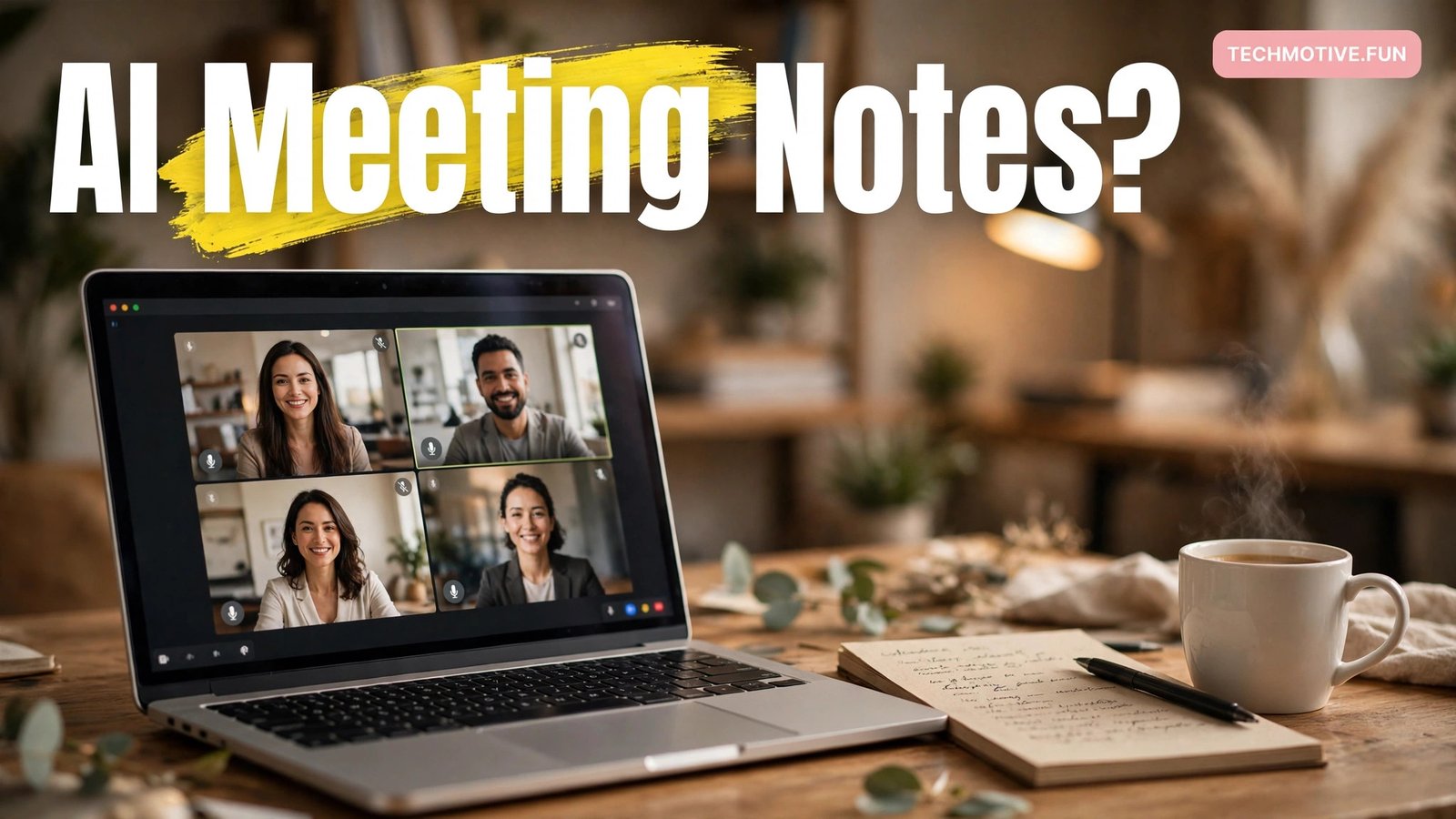
That gap between a meeting and its memory is exactly the problem AI tools for creating meeting notes are built to close. Instead of one person typing furiously while trying to listen, software listens, transcribes, and turns the conversation into organised notes. Used well, it can save real time and stop good decisions from quietly disappearing.
This guide explains what these tools actually do, how they work, which well-known options exist, and how to pick one without falling for overblown promises. It also covers the part most guides skip: consent, privacy, and the limits of machine-made notes.
The Moment a Meeting Becomes a Memory Problem
Most meetings fail twice. The first failure happens in the room, when a discussion drifts and nobody writes anything down. The second happens afterwards, when everyone remembers a slightly different version of what was agreed.
Traditional note-taking asks one person to do three jobs at once: listen, understand, and write. That is a hard combination. People either write too little and lose the detail, or write too much and stop participating in the discussion.
An AI note-taking tool changes who does the writing: the software records the audio, converts speech to text, and shapes that transcript into something usable, so the person who used to take notes can take part in the conversation instead.
What These Tools Actually Do, Step by Step
Behind the friendly interface, most AI meeting-note tools follow the same four steps, and every feature is really a variation on one of them.
First, the tool captures the meeting. It may join a video call as a participant, connect to your calendar and call platform, or record audio from your device microphone. Some tools work through a browser extension, while others run as a separate app. The method matters, because it affects what the tool can hear and who can see that it is present.
Second, it transcribes the speech. Automatic speech recognition turns spoken words into written text, usually in near real time. Modern systems can often tell speakers apart, labelling lines with names when the speakers are known. Accuracy depends heavily on audio quality, accents, background noise, and how much people talk over each other.
Third, it organises the transcript. Raw transcripts are long and hard to read, so the tool applies a language model to pull out structure: a short summary, key points, decisions, and action items with owners and deadlines. Good tools let you choose the format — a brief summary for a quick check-in, or a detailed breakdown for a project kickoff.
Fourth, it delivers the notes where you work — an email after the meeting, a page in your notes app, or a searchable archive.
Three Different Jobs, One Confusing Label
The phrase “AI meeting notes” covers at least three different jobs, and tools are often good at one and weak at another. Knowing which job you need is the fastest way to narrow the choice.
The first job is transcription: a faithful written record of who said what. Journalists, researchers, and anyone who needs an exact record cares most about this. A tool that transcribes well but summarises badly can still be the right pick here.
The second job is summarisation: a short, readable version of the meeting that a busy person can skim in a minute. Managers and team leads usually want this. The summary does not need every word, but it must not invent decisions that were never made.
The third job is follow-through: turning talk into tasks. This is the hardest job, because it requires the tool to spot commitments, assign owners, and track deadlines. A tool that lists action items clearly, with names attached, is genuinely useful. One that guesses at owners or invents deadlines is worse than useless.
Before you compare tools, decide which of these three matters most to you. A team that needs searchable transcripts will choose differently from a team that needs crisp summaries and task lists. The same check-first habit helps with long documents too: the approach behind AI tools for summarizing research papers — read the output, verify the key claims, then share it — applies just as well to a meeting summary.
A Tour of the Well-Known Options
The market has grown quickly, and new tools appear every few months. A few names come up again and again, and they are a useful starting point — not because they are the only choices, but because they show what the category can do.
Otter.ai is one of the best-known names in this space. It transcribes meetings in real time, identifies speakers, and produces summaries with action items. It connects with common video platforms and lets you search past transcripts. You can read more on the official Otter.ai website.
Fireflies.ai takes a similar approach, joining calls as a participant and producing transcripts, summaries, and searchable notes. It puts a lot of emphasis on integrations, sending notes into tools teams already use. The official Fireflies.ai website describes its current features in detail.
Built-in transcription is the option many people already have without realising it. Microsoft Teams and Google Meet both offer transcription and, in some plans, AI-generated summaries and recaps. These built-in tools are convenient because there is nothing extra to install, and they sit inside the platform your team already uses. Their features vary by plan, so it is worth checking exactly what your current subscription includes before paying for a separate tool.
Notion AI works differently. Rather than joining a call, it helps you turn notes you already have into something better: summarising a rough transcript, pulling out action items, or rewriting messy notes into a clean format. It suits people who already live in Notion and want their meeting notes in the same place as the rest of their work.
How to Choose Without Regret
Choosing a meeting-note tool is less about finding the “best” one and more about finding the one that fits your meetings. A few honest questions will do more than any feature table.
Start with where your meetings happen. If nearly every meeting is on one platform, a tool that integrates deeply with that platform will feel effortless. If your meetings jump between platforms, a tool that works across all of them matters more than any single integration.
Then think about who needs the notes. A solo freelancer needs something simple and searchable. A team needs shared access, consistent formatting, and a clear way to find old meetings. A manager who only reads summaries needs good summaries, not a perfect transcript.
Next, consider the language and accent of your meetings. Transcription quality varies by language, and some tools handle certain languages or accents noticeably better than others. The only reliable test is a trial with your own real meetings, not a polished demo video.
Finally, look at the exit. Can you export your notes and download transcripts? If you stop paying, do your old meeting notes stay accessible? A tool that locks your history behind a subscription is a risk.
The same careful thinking applies to other AI writing helpers. If you already use AI to draft messages, the way you judge AI tools for rewriting emails — by testing them on your own real examples — works just as well here.
The Consent Question You Cannot Skip
This is the part of the topic that deserves the most attention. An AI note-taking tool records people. In many workplaces, that is fine. In others, it is a legal or ethical problem. The rules vary by country, company, and context, and they are not something a tool’s marketing page can settle for you.
As a starting point, always tell people before a meeting is recorded. A short note in the invite — “This meeting will be transcribed by an AI note-taker” — costs nothing and prevents most problems. At the start of the call, say it out loud too. If anyone objects, respect that. Some conversations, such as performance discussions or sensitive personal matters, should not be recorded at all.
Check your company policy before you install anything. Some employers have approved tools and banned others. Some industries, including healthcare and legal work, have strict rules about where recordings can be stored. If you are unsure, ask. Guessing wrong on privacy is far more expensive than a delayed rollout.
Also think about where the recording goes. Transcripts often live on the provider’s servers, and some providers use data to improve their models. Read the privacy policy for the tool you choose, and look for clear statements about data retention, deletion, and whether human reviewers ever see your meetings. If a policy is vague, treat that as information.
Setting Up Your First AI-Noted Meeting
A little preparation makes the first experience much better.
Connect the tool to your calendar first. This lets it find your meetings automatically and, depending on the tool, join them or remind you to start recording. Test the connection with a short internal meeting before using it with a client.
Decide on a default note format. Most tools offer several templates: a simple summary, a detailed breakdown, or a format focused on action items. Pick one and stick with it for a few weeks. Changing templates every meeting makes it hard to tell whether the tool is improving or the format is just different.
Tell the tool who is who. If it lets you add team members or match voices to names, spend the few minutes this takes. Speaker labels turn a wall of text into a readable conversation, and action items are far more useful when the right name is attached.
Plan your review habit. After each meeting, spend a few minutes reading the summary, fixing mistakes, and confirming action items. That short review is what turns machine output into trustworthy notes. Without it, errors quietly become “facts” in your records.
What AI Notes Get Wrong
Honest expectations make these tools far more useful. Here are the limits you are most likely to meet.
Accuracy drops when audio is bad. A quiet speaker, background noise, or two people talking at once can all produce garbled text. A headset and a quiet room do more for accuracy than any software upgrade.
Names, numbers, and jargon suffer most. The tool may mishear a product name, a client’s name, or a figure. A wrong number in an action item — the wrong budget, the wrong date — is exactly the kind of error that causes real trouble. Always check figures, names, and dates by hand.
Summaries can smooth over disagreement. If two people argued and reached a compromise, a short summary may present the outcome as if everyone agreed from the start. If the debate itself matters, read the transcript section, not just the summary.
Action items can be invented or misassigned. A casual remark — “someone should look into that” — may appear as a task assigned to the wrong person. Before notes go out, confirm that every action item has a real owner who actually agreed to it.
Finally, a transcript is not a substitute for listening. If you rely entirely on notes, you may stop paying full attention in meetings. The tool should free you to participate more, not to switch off. Students can borrow the same capture, summarise, and check habit — see AI tools for making study notes for how it looks in a learning context.
FAQ
Do I need to tell people a meeting is being recorded?
Yes. Always tell everyone before recording starts, both in the meeting invite and out loud at the start of the call. Rules about recording vary by place and employer, and some meetings should not be recorded at all. When in doubt, ask first and record only with clear agreement.
Are AI meeting notes accurate enough to trust?
They are usually good enough as a first draft, but not as a final record. Transcripts are generally reliable for clear speech in quiet conditions. Names, numbers, dates, and action items need a human check every time, because those are the errors that cause the most harm.
Can these tools work without joining my video calls?
It depends on the tool. Some join calls as a participant, some connect through your calendar, and some record audio from your device. A few work from an uploaded recording after the meeting. Check how each tool captures audio before you choose, since that affects both convenience and privacy.
Is there a free way to try AI meeting notes?
Most well-known tools offer a free tier or a trial, and the built-in transcription in some video platforms is included with plans you may already have. Start there, test with real meetings, and only pay once you know the notes are good enough to share with your team.
What happens to my meeting recordings and transcripts?
They are usually stored on the provider’s servers, and retention and deletion rules vary. Read the provider’s privacy policy to find out how long recordings are kept and whether you can delete them. If the policy is unclear, ask the provider directly before using the tool for sensitive meetings.
Should I still take my own notes in a meeting?
Short personal notes are still worth taking. Write down decisions, numbers, and anything you personally need to remember. The AI handles the full record; your notes capture what mattered to you. The two together are better than either one alone.
Final Thoughts
AI tools for creating meeting notes do not make meetings better by themselves. A pointless meeting, transcribed perfectly, is still a pointless meeting. What they do well is protect the value of a good meeting: the decisions, the commitments, and the reasoning behind them, saved in a form people can actually use later.
Pick a tool that fits where your meetings already happen, test it on real conversations, tell people it is recording, and build a short review habit after every meeting. Check names, numbers, and action items by hand, and share the notes quickly, in a place people can find them.
Done that way, the tool fades into the background, and what remains is simply a team that remembers what it agreed — and follows through on it.
Sources
- Otter.ai — official website for Otter.ai meeting transcription and summaries.
- Fireflies.ai — official website for Fireflies.ai meeting notes and transcripts.